
Phrase Settings for Mobile
Change settings that affect all of your phrases
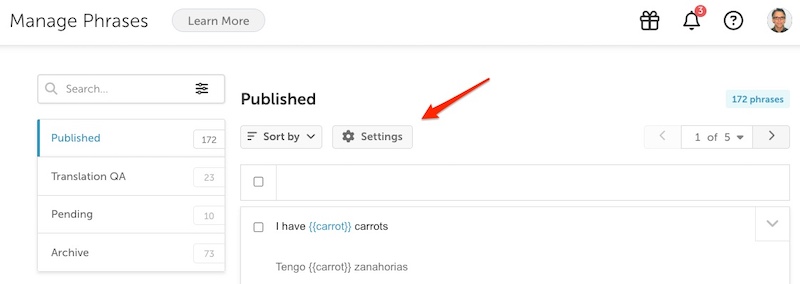
To change the settings that affect all of your phrases, click on the settings cog above your phrases.
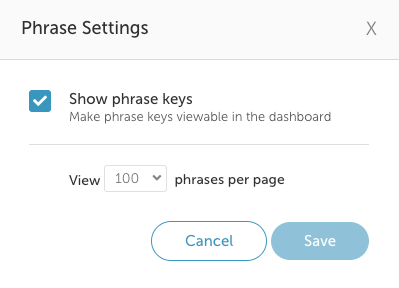
Change the settings for your phrases:
- Show phrase keys
Select the checkbox to allow the phrase key to be displayed with each phrase. - Number of phrases to view per page
Select a value from the drop-down to set how many phrases you would like to see on each page. - Click Save when ready.
Updated 5 months ago
Did this page help you?