
Log in to Localize
Log in with your email address
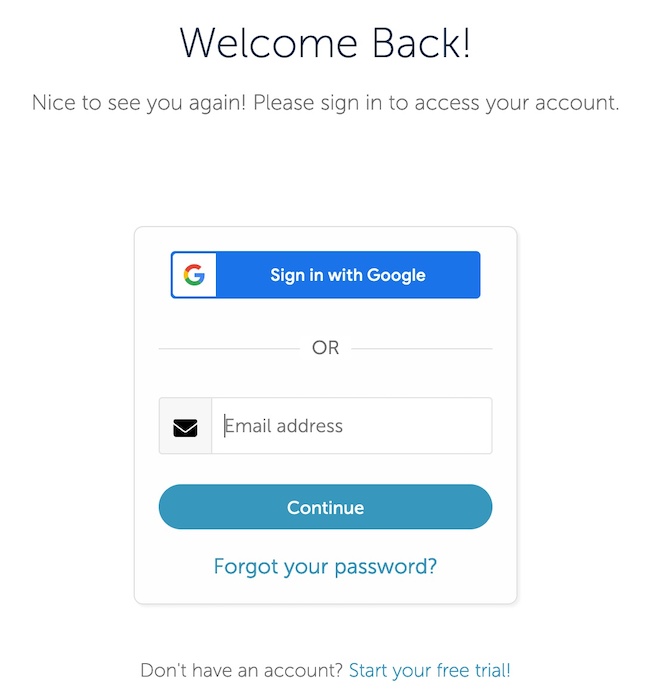
To log in to your Localize dashboard, enter your email address into the login form and click the Continue button.
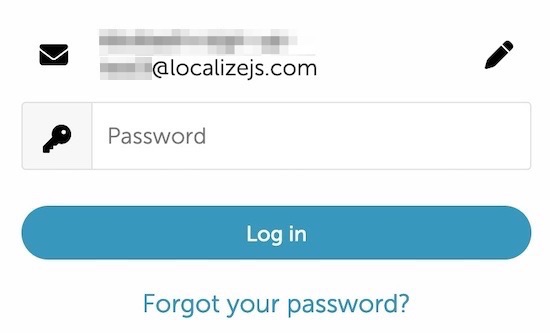
Next, enter your password and click Log in.
If you're having trouble logging in to Localize, you can reset your password using this guide.
Log in with your Google account
Alternatively, you can log in with your Google account. Click the Sign in with Google button and follow the on-screen instructions.
Updated over 2 years ago
Did this page help you?